Creating chatbots is now simple with low-code tools. You don’t need to be a coding expert - just use drag-and-drop interfaces and pre-built templates. Here’s a quick overview:
-
Steps:
- Choose a low-code platform.
- Design your chatbot’s conversation flow.
- Test and launch your chatbot.
-
Key Features to Look For:
- Visual Builder: Drag-and-drop tools for easy design.
- AI Tools: Pre-built NLP for better user interactions.
- Integrations: Connect to CRMs, databases, or calendars.
- Testing Tools: Analytics and A/B testing for improvements.
-
Pros and Cons:
- Benefits: Quick setup, lower costs, and easy-to-use features.
- Limitations: Limited customization, vendor lock-in, and scaling issues.
Want to get started? Pick a platform, outline your chatbot’s goals, and follow a simple roadmap to build and deploy in just a few days.
Low-Code Chatbot Platform Basics
What Is a Low-Code Platform?
A low-code platform is a visual tool that lets you create chatbots without needing to write complex code. Instead of programming, you use drag-and-drop elements, pre-made templates, and AI-driven tools to build your chatbot. Think of it as snapping together digital building blocks.
The main appeal? It’s easy to use. Teams like marketers, customer support staff, and business managers can create chatbots without being tech experts. Many of these platforms also include advanced features like natural language processing (NLP) and machine learning, which help chatbots better understand and respond to user questions.
Key Features of Low-Code Chatbot Platforms
Modern low-code platforms come packed with tools to make chatbot development easier. Here’s a quick breakdown:
| Feature Type | Key Tools | How It Helps Your Business |
|---|---|---|
| Visual Builder | Drag-and-drop tools, templates | Makes chatbot creation simple and fast |
| Integration Tools | API connectors, database links | Connects chatbots to your systems |
| Testing Tools | A/B testing, analytics | Helps you fine-tune chatbot performance |
| AI Capabilities | NLP, intent recognition, learning | Boosts chatbot accuracy and usability |
Most platforms also include visual conversation designers. These let you map out chatbot dialogues like a flowchart, making it easy to plan user interactions. Plus, built-in analytics help you track performance and user engagement, so you can keep improving.
What to Check Before You Start
Before diving into chatbot development, make sure you’ve got the basics covered:
- Set Clear Goals: Define what you want your chatbot to achieve. Identify measurable goals, key metrics, and success indicators.
- Assess Your Resources: Ensure your team has the skills and data needed, like customer interaction records and conversation design know-how.
- Meet Technical Needs: Verify you have a stable internet connection, an updated browser (like Chrome, Firefox, or Safari), any required system integrations, and the right security permissions.
With these essentials in place, you’ll be ready to start building an effective chatbot.
Building Your Chatbot: Step-by-Step
Setting Up the Platform
Start by creating an account and getting familiar with the platform's interface. Once you're in, configure these key settings:
- Account Details: Set your timezone, language (English US), and team permissions.
- Branding: Add your logo, choose colors, and design the chat interface to match your brand.
- Integrations: Connect tools like your CRM, email platform, or customer database.
With your platform ready, it's time to map out your chatbot's conversations.
Designing Chat Flows
Chat flows are the backbone of your chatbot's conversations. They guide interactions and ensure the bot aligns with your business objectives.
Here are some key elements to focus on:
| Element | Purpose | Quick Tip |
|---|---|---|
| Welcome Message | Kick off the interaction | Keep it short and action-oriented. |
| Decision Trees | Direct the conversation | Limit options to 3-4 choices. |
| Response Types | Allow user input | Use a mix of input formats. |
| Fallback Paths | Handle errors or dead ends | Provide clear next steps or redirects. |
Once you've outlined the flows, you can move on to adding features that make your chatbot more functional.
Adding Features
Take your chatbot to the next level by integrating features that streamline tasks and improve user interactions. Consider including:
- Form Integration: Collect and validate user details directly in the chat.
- Response Templates: Use pre-written responses for frequently asked questions or common scenarios.
- Business Tool Connections:
- Calendar tools for scheduling
- Payment systems for transactions
- Support ticket integrations
- Email marketing platforms for follow-ups
These features help your chatbot handle more tasks while improving the overall user experience.
Testing and Launching
Before going live, thoroughly test your chatbot to ensure everything works smoothly. Here's a checklist to guide you:
- Test every dialogue path to confirm the bot responds as expected.
- Check that all integrations (e.g., CRM, payment systems) work correctly.
- Make sure the chatbot functions well across different devices.
- Simulate high traffic to test response times and performance.
When you're ready to launch, take these steps:
- Roll out your chatbot to a small portion of your audience (about 10-15% of traffic).
- Monitor its performance and gather user feedback.
- Make adjustments based on what you observe.
- Gradually expand to full deployment.
Low-Code Chatbot Pros and Cons
Benefits
Low-code platforms make building chatbots easier and faster. Here’s how:
Quick Development: Launch chatbots in just a few days. Pre-designed templates and drag-and-drop tools speed up the process significantly.
Lower Costs and Accessibility: With less reliance on developers, even non-technical team members can contribute. This helps reduce expenses and makes chatbot creation more accessible.
Pre-Built Features: Many platforms come with built-in AI tools and ready-to-use connectors, saving time and effort.
Drawbacks
However, low-code platforms have their limitations:
Limited Customization: While easy to use, these platforms can restrict advanced customizations. Implementing complex workflows or unique features might not be straightforward.
Vendor Lock-In: Chatbots built on these platforms often depend heavily on the vendor’s ecosystem. This can limit flexibility, make data migration harder, and complicate integration with other systems.
Scaling Challenges: As your needs grow, chatbots may encounter performance issues, lack advanced AI capabilities, or struggle to handle increasingly complex workflows.
Feature Comparison
Here’s a quick look at the trade-offs of low-code chatbot development:
| Feature Area | Benefits | Limitations |
|---|---|---|
| Development Speed | Quick deployment in days | Advanced customization options are limited |
| Coding Requirements | Minimal coding needed | Complex features may require extra effort |
| Scalability | Great for early-stage projects | Performance issues may arise as you scale |
| Integration Options | Includes ready-to-use connectors | Struggles with more complex integrations |
| AI Capabilities | Pre-configured AI tools included | May not support advanced AI customization |
These points can help you weigh the pros and cons before diving into platform selection and project planning.
sbb-itb-5ab00cc
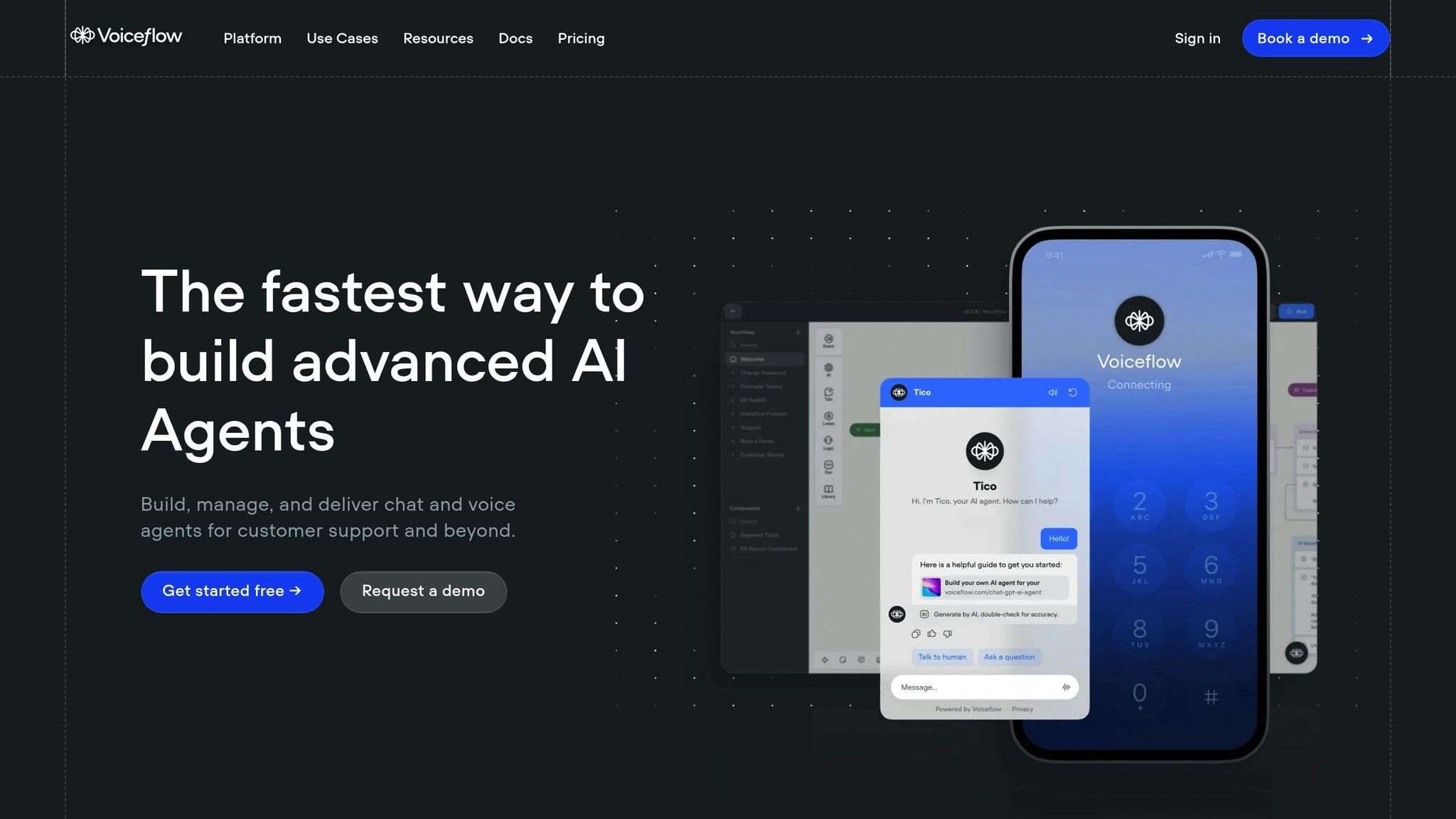
Voiceflow: How To Build A Chatbot For Beginners (No-Code / Low-Code)
Tools and Getting Started
Now that you've reviewed the setup and customization steps, here's how to kick off your project with the right tools and a clear roadmap.
Made with ChatGPT Tools
Head over to the Made with ChatGPT directory under the 'Chatbots & Assistants' category. There, you'll find low-code chatbot tools paired with practical guides to help you get started.
- Use the category filters to locate 'Chatbots & Assistants' and select 'No-Code Builders.'
- Check the available integration options to ensure compatibility with your systems.
- Follow the detailed implementation guides provided for each tool.
Once you've chosen the right tools, it's time to map out your project.
Starting Your Project
Use the framework below to outline your project roadmap:
| Phase | Key Activities | Expected Timeline |
|---|---|---|
| Planning | Define your use case, choose a platform, outline conversation flows | 1-2 days |
| Setup | Configure the platform, create basic chat flows | 2-3 days |
| Development | Build detailed conversation paths, add custom features | 3-5 days |
| Testing | Conduct user testing, optimize flows, fix any bugs | 2-3 days |
| Launch | Deploy the chatbot, monitor performance, make initial adjustments | 1-2 days |
Key tips for success:
- Start small with just a few essential features to allow for quick iteration.
- Test every conversation path to ensure smooth functionality.
- Monitor user engagement and resolution rates, then refine as needed.
These steps will help you set up a strong foundation for your chatbot project.
FAQs
Scaling chatbots built with low-code platforms can present challenges such as performance bottlenecks, limited customization options, and integration issues with complex systems.
To address these:
- Optimize performance: Regularly monitor the chatbot's usage and performance metrics to identify and resolve latency or load issues. Upgrading server capacity or using cloud-based scaling solutions can help.
- Enhance customization: If the platform has limitations, consider using APIs or plugins to extend functionality and tailor the chatbot to your needs.
- Streamline integrations: Ensure the chatbot is compatible with your existing tools and systems. Use middleware or connectors provided by the platform to simplify integration with CRM, analytics, or other business tools.
By proactively addressing these challenges, you can ensure your chatbot remains effective as your business grows.
Low-code platforms prioritize data security and privacy by implementing robust measures during chatbot integration. These platforms often use encryption protocols to safeguard data in transit and at rest, ensuring sensitive information remains protected. Additionally, they offer tools to manage user authentication and access control, allowing businesses to restrict who can access specific data or features.
Many low-code tools also comply with industry standards and regulations, such as GDPR or CCPA, to provide an extra layer of trust. By enabling secure APIs and controlled data sharing, these platforms help businesses integrate chatbots safely into their existing systems while maintaining compliance with privacy requirements.
When selecting a low-code platform for building a chatbot, consider key factors such as ease of use, integration capabilities, and customization options. A platform with an intuitive interface and drag-and-drop functionality can save time and effort, especially if your team has limited technical expertise.
Ensure the platform supports seamless integration with your existing tools, such as CRM systems, analytics platforms, or messaging apps. Additionally, look for robust customization features to tailor the chatbot's design, behavior, and responses to align with your brand and specific business goals.
Finally, consider scalability and support. Choose a platform that can grow with your business and offers reliable customer support to help resolve any challenges along the way.