Building a website no longer requires coding skills or weeks of effort. AI tools now make it simple for anyone to create a fully functional website in minutes. Here’s how you can do it:
- Plan Your Website: Define your goals, audience, and required pages (e.g., Homepage, About Us, Contact).
- Use AI Tools: Tools like B12's AI Websites GPT can generate a website draft in seconds. Provide your business name and description, and let AI handle layout, content, and SEO.
- Customize and Test: Edit the design, replace placeholder content, and test for functionality, responsiveness, and speed.
- Launch Your Website: Organize files, choose a hosting provider, and upload your site.
Key Benefits of AI Website Builders:
- Fast: Create websites in minutes.
- Accessible: No coding required.
- Optimized: Built-in SEO and user behavior analysis.
AI simplifies the entire process, from generating content to ensuring your site is mobile-friendly and search engine-ready. Ready to get started? Let’s dive in!
Step 1: Plan Your Website
Set Your Website Goals
Before diving into AI tools, clarify your website's purpose. Is it to promote your business services, showcase a portfolio, or start a blog? Your objective will shape the tools and features you’ll need.
Key planning points:
- Identify who your audience is
- Outline how visitors will navigate your site
- Decide how you’ll track your website’s success
List Required Pages and Functions
Lay out your website's structure to guide AI development. Based on your goals, figure out the essential pages and features your site should include.
| Page Type | Purpose | Key Elements |
|---|---|---|
| Homepage | First impression & navigation | Hero section, value proposition, call-to-action |
| About Us | Build credibility | Company story, team info, mission statement |
| Services/Products | Highlight offerings | Detailed descriptions, pricing, features |
| Contact | Enable communication | Contact form, location, business hours |
| Legal Pages | Stay compliant | Privacy policy, terms of service |
Prepare Your Materials
Get your content and assets ready to make the AI website creation process smooth and efficient.
-
Brand Assets
- Logo files
- Brand colors (hex codes)
- Fonts
- Style guides
-
Content Elements
- High-quality photos and images
- Company descriptions
- Product or service details
- Team bios and headshots
- Customer testimonials
-
Technical Requirements
- Domain name options
- Necessary integrations
- Analytics tools
- Security needs
With your goals in place and materials prepped, you’re ready to move on to Step 2 and start building your site with ChatGPT.
Step 2: Use ChatGPT to Build Your Site
Create Website Code
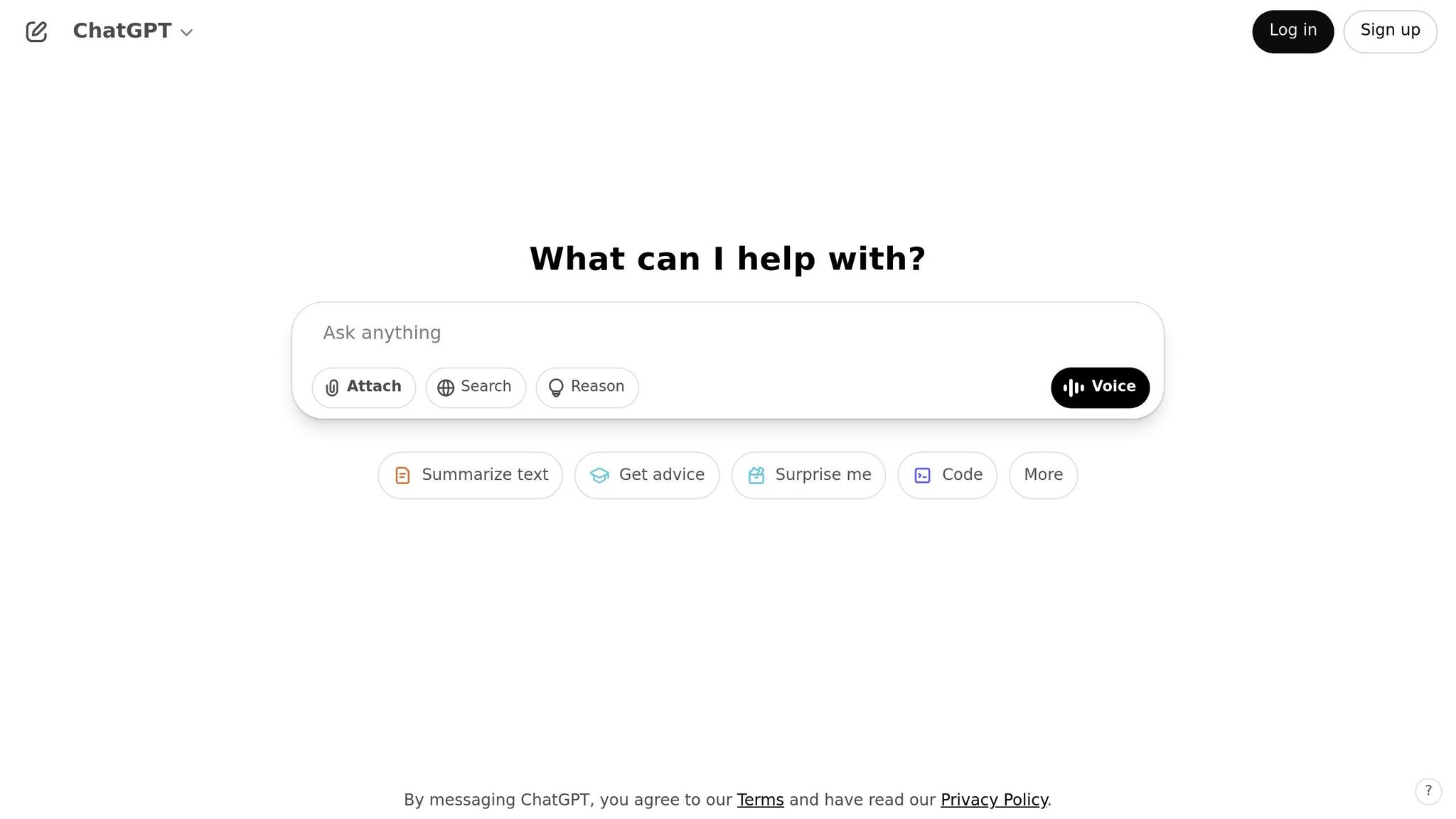
ChatGPT can help you generate website code tailored to your needs. Here's how to structure your request:
| Request Component | Description | Example |
|---|---|---|
| Coding Languages | Specify your preferred tools | HTML, Bootstrap |
| File Structure | Define how files are organized | Single HTML file |
| Design Elements | Highlight key features | Mobile-responsive, navigation menu |
| Content Sections | Outline main areas | Homepage, about, contact |
When making your request, be clear about your requirements. For instance:
"The idea is to get ChatGPT to write HTML, CSS, and JavaScript code, compile it into files, and then upload those files to a hosting provider." - Martin Dubovic, Themeisle Contributor
Once you have the code, you can refine it to match your brand.
Adjust Your Design
To customize the generated code, follow these steps:
- Paste the code into a text editor, save it as
index.html, and open it in your browser. - Review the following elements closely:
- Layout alignment
- Mobile responsiveness
- Navigation functionality
- Content placement
Next, replace placeholder content with your own:
- Swap out image URLs for your actual media files.
- Use your brand colors by adding their hex codes.
- Add your logo and favicon.
- Include your custom fonts.
Test and Refine
Thoroughly test your site to ensure everything works as expected:
- Check functionality, responsiveness, and speed across different devices.
- Test all internal links to confirm they work.
- Measure loading speeds on various devices.
- Verify that forms submit correctly.
If changes are needed, provide ChatGPT with the specific code to adjust and describe the modifications you want. For more complex updates, break your request into smaller tasks. For example, you can ask for individual sections like headers, content areas, or footers to be updated one at a time. This approach helps ensure each part meets your expectations.
Step 3: Launch Your Website
Organize Your Files
Keep your website files well-organized to avoid missing assets. Use a clear folder structure with separate directories for:
- HTML files
- CSS stylesheets
- JavaScript files
- Images and media
- Fonts and other resources
Ensure file paths align with this structure. If needed, compress everything into a ZIP file for easier uploading.
Once your files are ready, the next step is picking a hosting provider.
Choose a Hosting Provider
Your hosting provider plays a big role in how well your website performs. Here are some key factors to keep in mind:
| Factor | What to Look For |
|---|---|
| Storage Space | Enough capacity for all your website files |
| Bandwidth | Adequate data transfer for your site's expected traffic |
| Security | Features like SSL certificates, firewalls, and malware scans |
| Support | 24/7 assistance through various channels |
| Scalability | Options to upgrade as your site grows |
Once you've chosen a host that fits your needs, upload your organized files to get your website online.
"The main thing to consider when choosing a domain is finding one that aligns with your brand and is easy for your customers to remember. It's important to have a domain that reflects your business and makes it easy for people to find you online." - Einat Shafir, Product Manager Domains at Wix.com
"Shocked by the simplicity of user-flow, it took me 2 mins exactly to deploy one of client's websites!" - Khaled, Developer, web25.io
Final Checks Before Going Live
Before launching, make sure everything is in order with these steps:
-
Technical Review
Test your site on different devices and browsers. Use tools like GTMetrix to check loading speeds. Set up automated backups to safeguard your content. -
Content Review
Ensure all links work, images display properly, and formatting looks good. Double-check that branding is consistent across all pages. -
Analytics Setup
Install Google Analytics and configure Google Search Console. These tools will help you track performance and spot issues early.
Once these checks are complete, you're ready to launch. Remember, you can always make updates after the site is live.
sbb-itb-5ab00cc
Top 5 AI Website Builders (No Coding Required)
Conclusion: Next Steps for Your Website
With your website now live, it’s time to focus on growing and improving it. Start by refining your visuals with tools like DALLE-3 and Midjourney. These AI-powered image generators can help you quickly develop fresh design ideas and establish a strong brand identity.
Make sure to include key pages that add depth and clarity to your site:
| Page Type | Purpose | AI Assistance |
|---|---|---|
| About Us | Share your brand story and build trust | Craft engaging narratives about your company |
| Services/Products | Showcase your offerings effectively | Write detailed, benefit-driven descriptions |
| FAQ | Answer common customer questions | Predict and address likely queries |
| Contact | Make communication easy | Create simple, user-friendly forms |
| Legal | Stay compliant with regulations | Generate basic policy templates |
Once your content is in place, use AI analytics to monitor and refine your site’s performance. These tools can help you:
- Track how visitors interact with your site
- Discover which content performs best
- Boost your site’s visibility on search engines
Don’t forget to enable search indexing and take advantage of AI SEO tools to ensure your site remains both user-friendly and easy to find.
AI can also play a key role in delivering personalized experiences. By analyzing visitor data, you can create tailored content that keeps users engaged and encourages them to return. Regular updates based on AI-driven insights will help your website stay relevant and aligned with your business goals.
FAQs
When using AI tools to build a website, you might encounter challenges like generic or repetitive content, a learning curve with new technology, and privacy concerns when collecting user data for personalization.
To address these issues, try to balance AI-generated content with a personal touch to make your website feel unique. Spend some time exploring your chosen AI tools to get comfortable with their features, and consult guides or tutorials if needed. Additionally, prioritize data privacy by being transparent about how user information is collected and used, and follow best practices to ensure compliance with privacy regulations.
AI tools can enhance a website's SEO and search engine performance by simplifying complex tasks and ensuring your site aligns with modern search algorithms. These tools analyze content for readability, keyword optimization, and proper structure, helping your site rank higher in search results.
AI can also assist with keyword research, content creation, and tracking performance metrics. To maximize results, focus on creating high-quality, authoritative content, use structured data, and write in a conversational tone that resonates with both users and AI-driven search engines.
When choosing a hosting provider for your AI-powered website, focus on performance, scalability, and reliability. Ensure the provider can handle the computational demands of AI tools and offers scalable solutions to grow with your website's needs.
Look for features like fast loading speeds, robust uptime guarantees, and strong customer support. If your website processes large amounts of data or integrates advanced AI functionalities, prioritize hosting options with higher bandwidth and advanced server capabilities. Choosing the right provider ensures your site remains efficient and user-friendly as it evolves.